How do I open a medical CD on a Mac?
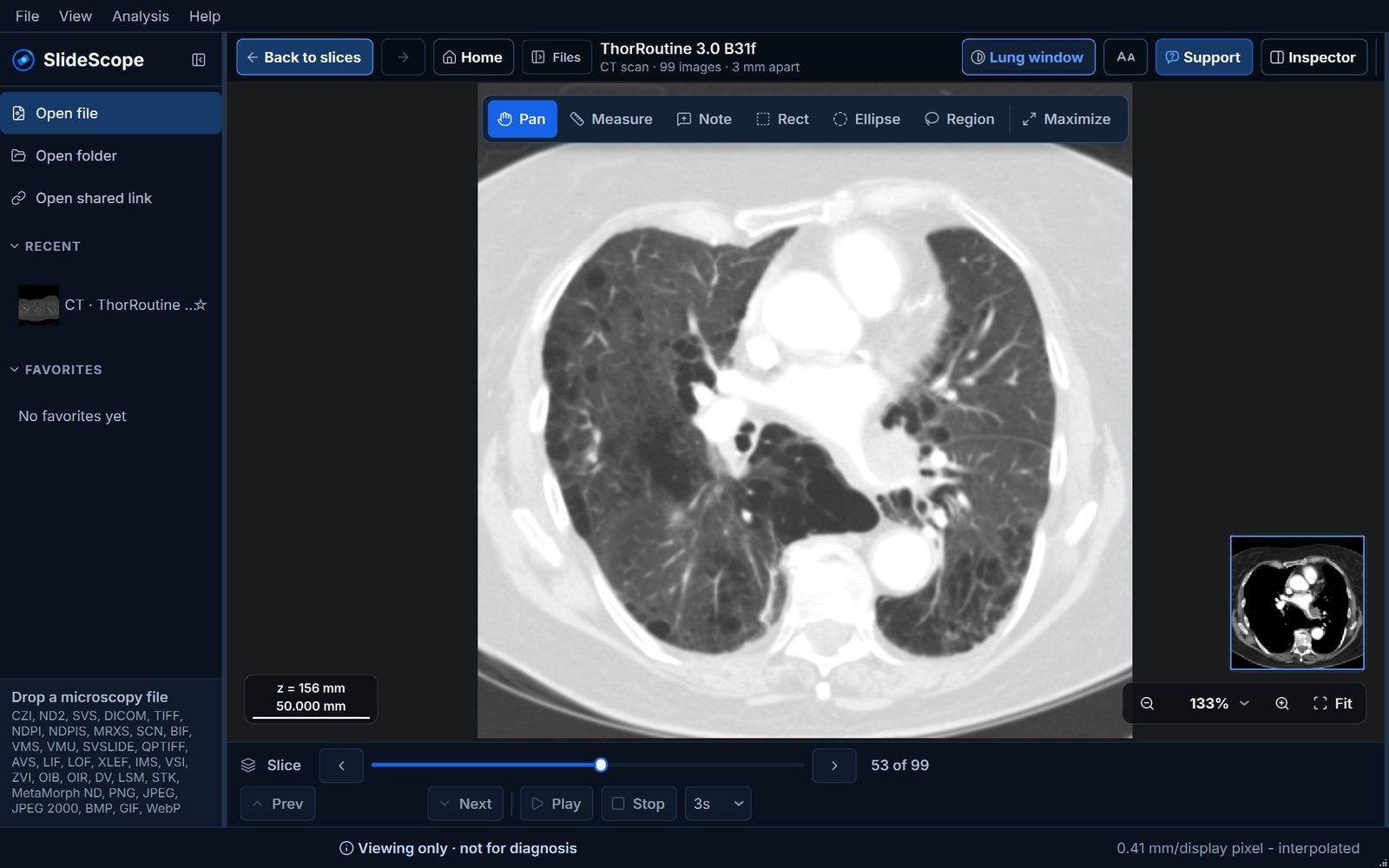
Insert the disc (with an external USB DVD drive if needed), then open it with a Mac DICOM viewer such as OsiriX Lite, Horos, Weasis or SlideScope. The viewer program on the disc is for Windows and will not run.
Why won’t the viewer on my MRI CD run on my Mac?
It is a Windows program (.exe). macOS cannot run it. The images on the disc are standard DICOM files, and Mac viewers open them.
My Mac has no disc drive. How can I see my scan?
Use an external USB DVD drive, copy the disc to a USB stick on another computer, or ask the hospital for a USB stick or a download link.
Does SlideScope run on Apple silicon Macs?
Yes. SlideScope runs natively on Apple silicon and Intel Macs with macOS 14 or later.
Can SlideScope tell me what my scan shows?
No. SlideScope is for viewing, not diagnosis. The radiologist’s report and your doctor explain what a scan shows.
Is SlideScope free?
SlideScope is a paid app with a free sample library (every tool) and a 3-day free trial for your own images.
Explore the built-in sample library free, with every tool. Open your own images with a 3-day free trial. The trial is $0 today, then $25/month unless you cancel before it ends. PayPal or card required, and you can cancel anytime from your account. Annual billing is available at $249.99/year, which works out to about two months free.